
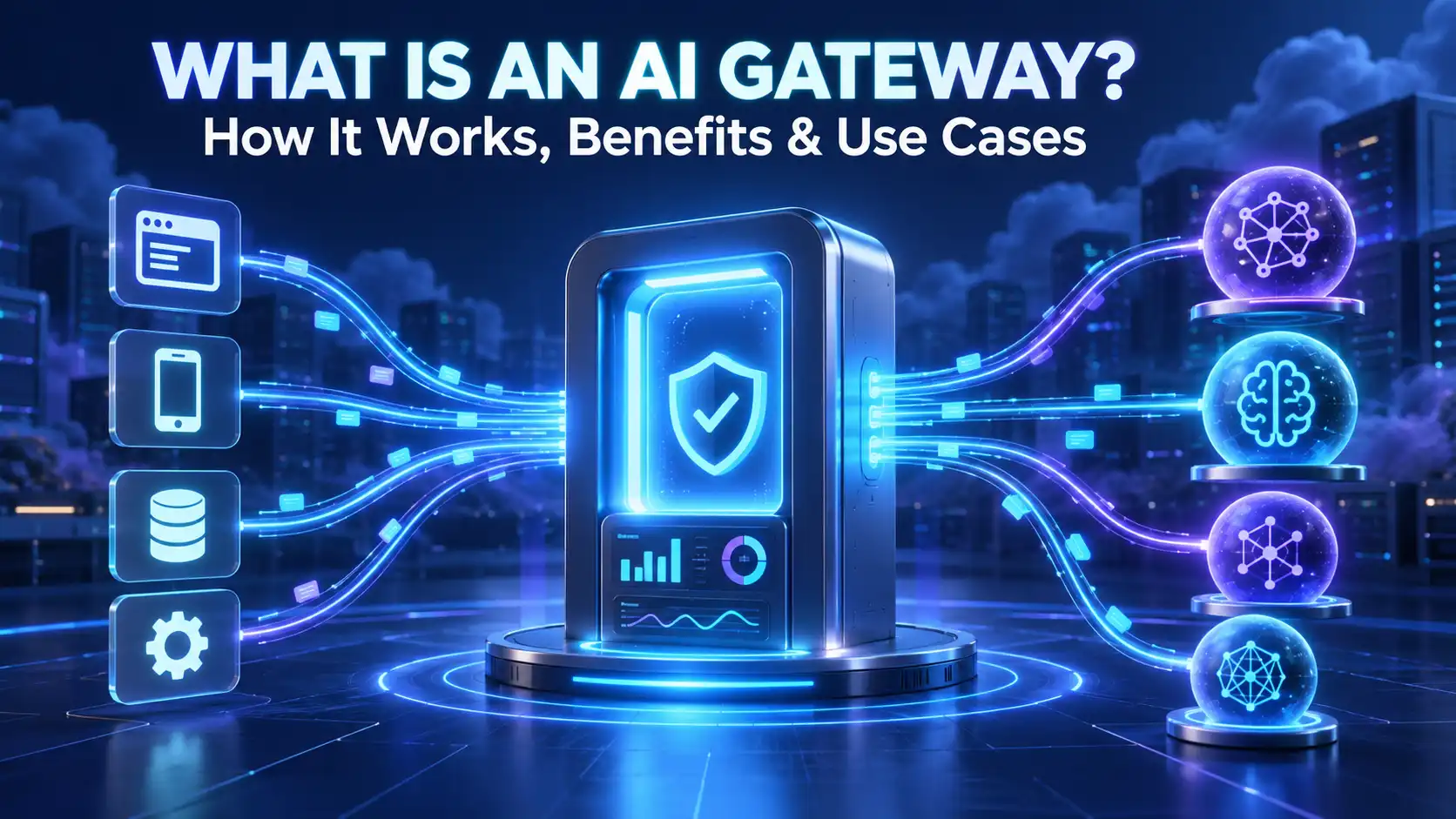
An AI gateway is a control layer between an application and the AI models it uses. Instead of connecting every feature directly to a model provider, the application sends requests through the gateway. It can verify the caller, enforce policies, select an approved model, track token use, and record errors, latency, and cost.
It becomes useful when several production tools must share providers, budgets, data rules, and fallback plans.
The Simplest Way to Understand an AI Gateway
Think of an AI gateway as a reception and traffic-control desk for model requests. An application sends a request to one managed endpoint. The gateway decides whether the request is allowed, where it should go, and which rules should apply.
For example, a support platform may use a fast model to classify tickets, a stronger model for complex replies, and a private deployment for sensitive cases. The gateway routes each task according to policy.
The terms AI gateway, generative AI gateway, and LLM gateway often describe this same idea. An AI API gateway may also mean a traditional API gateway extended with AI-specific controls. Features vary by product, so the name does not guarantee model routing, safety filters, or caching.
Where It Sits in AI Gateway Architecture
The gateway sits after the application but before model endpoints. It governs model calls; it does not replace the application’s business logic.
| Layer | Main job | Example |
|---|---|---|
| User application | Collect the request and show the answer | Chatbot or coding assistant |
| AI workflow | Add context and decide what task to run | Retrieve documents or call a tool |
| AI gateway | Apply access, routing, budget, and logging rules | Select an approved model |
| Model endpoint | Process the prompt and generate output | Hosted or private LLM |
| Monitoring system | Store permitted metrics and alerts | Cost or error dashboard |
An orchestrator manages a wider sequence of models, data, and tools, while a gateway controls model access. Our guide to how AI orchestration works explains that layer. A system can use both.
How Does an AI Gateway Work?
Consider an employee asking an internal assistant to summarize a contract. The request may move through the gateway like this:
- Identify the caller: The gateway verifies the application, user, team, or API key.
- Inspect the request: It checks the request format, model choice, size, metadata, and configured data rules.
- Apply limits: It enforces request, token, or spending limits for that caller.
- Choose a backend: It selects a provider or deployment based on factors such as policy, availability, location, cost, or speed.
- Send and receive: It forwards the request, receives the model’s output, and may normalize the response format.
- Apply response rules: Depending on the setup, it can redact restricted data or run content checks.
- Record metrics: It logs permitted details such as latency, errors, tokens, and estimated cost before returning the response.
Not every gateway performs every step. Some mainly proxy and observe traffic; others add retries, fallbacks, guardrails, or caching. Compare actual controls, not labels.
AI Gateway vs API Gateway, Model Router, and Orchestrator
These technologies can overlap, but their main purposes differ.
| Technology | Primary job | Typical scope |
|---|---|---|
| Traditional API gateway | Manage general API traffic | Authentication, API routing, request limits, and versions |
| AI gateway | Govern access to AI models | Tokens, model policies, costs, prompts, and AI safety signals |
| Model router | Select a model or deployment | Choice based on task, price, latency, region, or health |
| AI orchestrator | Coordinate a multi-step process | Models, retrieval, tools, memory, agents, and task state |
A model router may be one gateway feature, while an API management platform may support enough AI-aware policies to act as a gateway. Choose according to required controls.
Core AI Gateway Capabilities
| Capability | Problem it addresses | Important limitation |
|---|---|---|
| Central access control | Different apps use separate keys and unapproved models | It cannot find every AI tool used outside managed systems |
| Token quotas and budgets | AI costs vary by model and input or output length | Cost estimates require current provider pricing |
| Routing and fallback | One deployment may be slow, limited, or unavailable | Backup models can produce different formats and quality |
| AI observability | Teams cannot see tokens, latency, failures, or model use together | Full prompt logs may expose private data |
| Input and output guardrails | Every app applies safety rules differently | Filters can miss attacks or block legitimate text |
| Caching | Repeated model calls increase cost and delay | Live, personal, or permission-based answers may be unsafe to cache |
Central access makes it easier to approve models or rotate credentials. Organizations still need an inventory and clear rules to address Shadow AI risks.
Routing can retry failures or use a tested fallback. Because models differ in context limits, safety, and output structure, test every route when you train or deploy an LLM for scalable and secure use.
Guardrails provide a consistent checkpoint, but they are not a complete security system. Protection must also cover user permissions, retrieval sources, connected tools, and prompt injection attacks.
Main Benefits of an AI Gateway
The strongest benefit is consistency: one controlled route to approved models and one place for shared rules.
- Clearer governance: Teams can restrict models by application, user group, environment, region, or data class.
- Better cost control: Token use and spending can be measured by customer, team, or feature.
- Higher resilience: Tested retries and fallbacks can reduce disruption during provider problems.
- Less provider dependence: A common interface can make adding or replacing a provider easier.
- Faster development: Product teams can reuse authentication, quotas, and telemetry instead of rebuilding them.
- Simpler investigation: Central alerts and audit records help teams examine failures or suspicious activity.
These gains grow with the number of applications and models. A small, single-provider prototype may not need this extra layer.
Practical AI Gateway Use Cases
| Use case | Helpful gateway policy | Value |
|---|---|---|
| Multi-tenant SaaS feature | Token quotas and cost records per customer | Protects margins and supports fair use |
| Employee assistant | Identity-based model and data rules | Keeps teams on approved services |
| Customer-support automation | Fast primary model with tested fallback | Improves availability |
| AI agent platform | Detailed traces and task-specific limits | Helps control systems that can take action |
| Regulated document workflow | Regional routing, redaction, and limited retention | Supports privacy and audits |
| Development environment | Separate models and budgets from production | Contains test traffic and cost |
Gateways matter even more when AI can act instead of only respond. Teams designing these systems should understand the difference between AI agents and AI assistants. An agent that can send email, approve refunds, or update records needs authorization and human-approval controls beyond the model gateway.
What an AI Gateway Cannot Solve by Itself
An AI gateway cannot confirm every factual claim, fix weak source data, define business permissions, or guarantee safe model behavior. It cannot replace human review in high-impact decisions.
Without redundancy, it can become a central point of failure. It may add latency, hide provider-specific features, or create privacy risk through excessive logging.
Teams still need evaluation data, incident procedures, application security, and regular monitoring. They should test AI models for accuracy and reliability before changing routing rules or activating a fallback.
Does Your Organization Need One?
Consider a gateway when several applications or providers are in use, users need different limits, or teams cannot clearly see AI traffic and spending.
Start by listing model endpoints, data types, users, and rules that must remain consistent. Then test latency, failure behavior, log privacy, provider compatibility, and bypass routes. A gateway shown on an architecture diagram provides little protection if applications can still connect directly to unrestricted models.
Final Takeaway
So, what is an AI gateway? It is a managed checkpoint between AI applications and model providers. It controls who can send requests, which model receives them, how much they can consume, what gets recorded, and what happens when a provider fails.
Its value comes from applying tested, AI-aware policies consistently. For a growing AI environment, that can improve visibility, reliability, security, and cost management—provided the gateway remains one part of a broader governance and quality program.